Private by design · Built for climbing

Every send.
None of the cruft.

BoardCam turns is an always-ready replay system for your climbing gym or home board. Save the last few minutes with one tap — without footage ever leaving the building. Nothing permanently stored - only the last 3 minutes. Just enough time to send and save.

  • No cloud
  • No accounts
  • No monthly fee
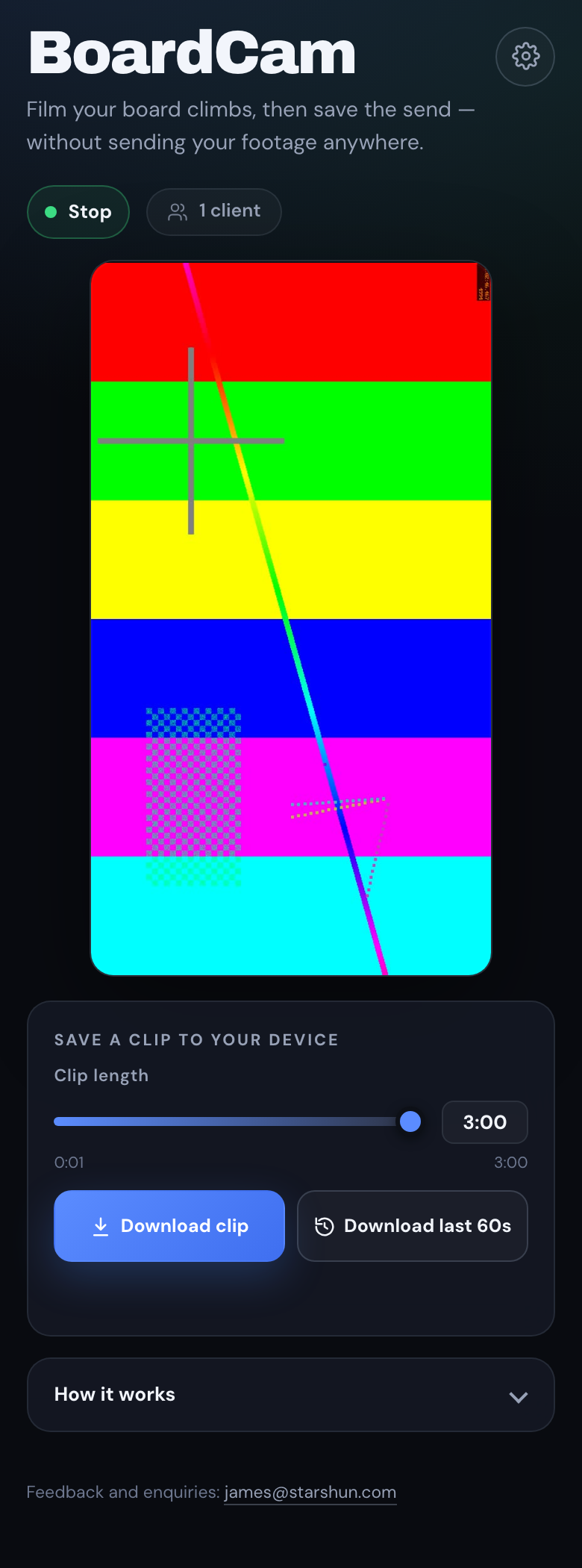
BoardCam mobile app interface
One-tap clipThe last 3 minutes, ready to save
Local onlyNothing leaves your network
0 cloud uploads
3 min rolling buffer
1 tap to save the send
∞ climbers can connect

One camera. Two kinds of wall.

Made for the places people climb.

From a busy commercial gym to a garage board , BoardCam gives every session a replay button.

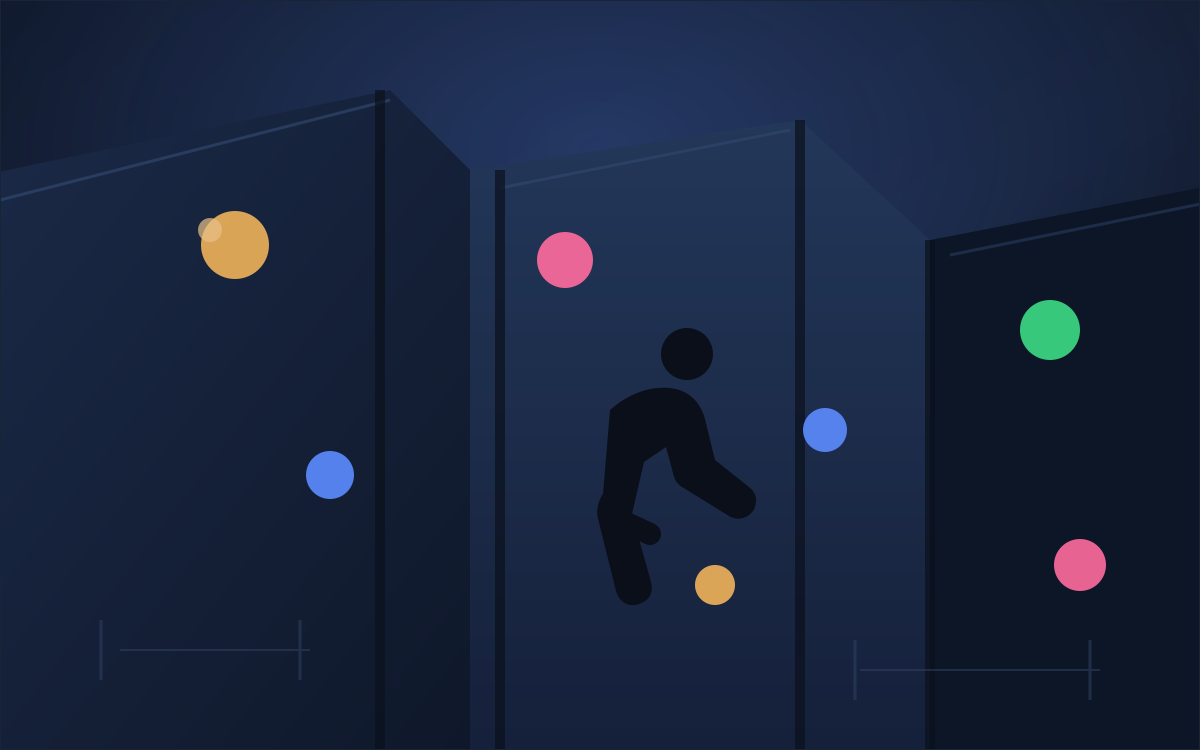
Placeholder illustration of a climbing gym wall For climbing gyms

A replay desk that never queues.

Give members a simple way to capture their attempts and sends without setting up tripods or waving cameras around, creating a safer more focused environment.

  • Runs on a small local computer
  • Climbers use their own phones
  • No data privacy worries
  • Add your own watermark
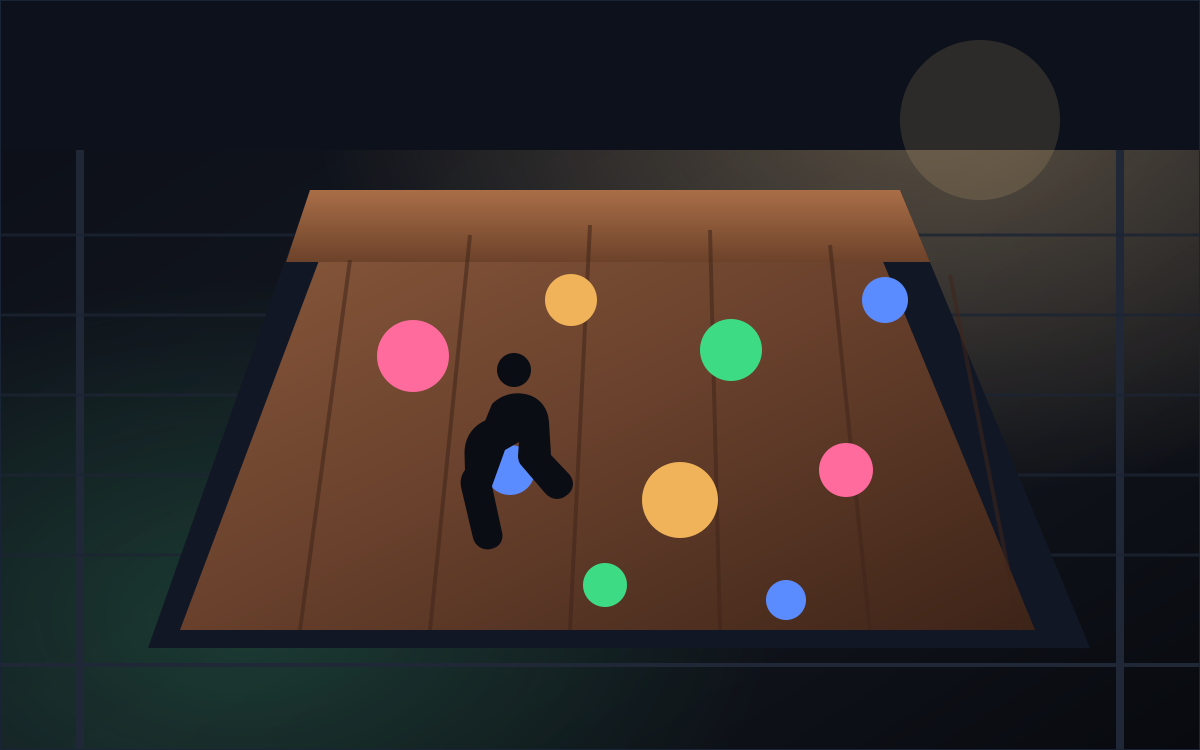
Placeholder illustration of a home climbing board For home boards

Your project wall, on replay.

Set up BoardCam once and leave it running. Friends on the same Wi-Fi can just open boardcam.local and start clipping. Want to build your own? Open source instructions are coming soon.

  • No accounts for friends to create
  • Works with a spare webcam or capture card
  • Your footage stays on your machine

Three steps. No learning curve.

Start it. Send it. Save it.

BoardCam keeps a short rolling window of footage ready at all times. There is nothing to export, rewind or edit when someone sticks the move.

  1. 01

    Press start once

    The camera stays live and the last three minutes are always available.

  2. 02

    Climb like normal

    No one needs to press record for every attempt. Keep the session flowing, stay in the zone and try hard.

  3. 03

    Save the last 60s — or up to 3 minutes

    One tap sends the clip to the climber's phone, ready to watch or share.

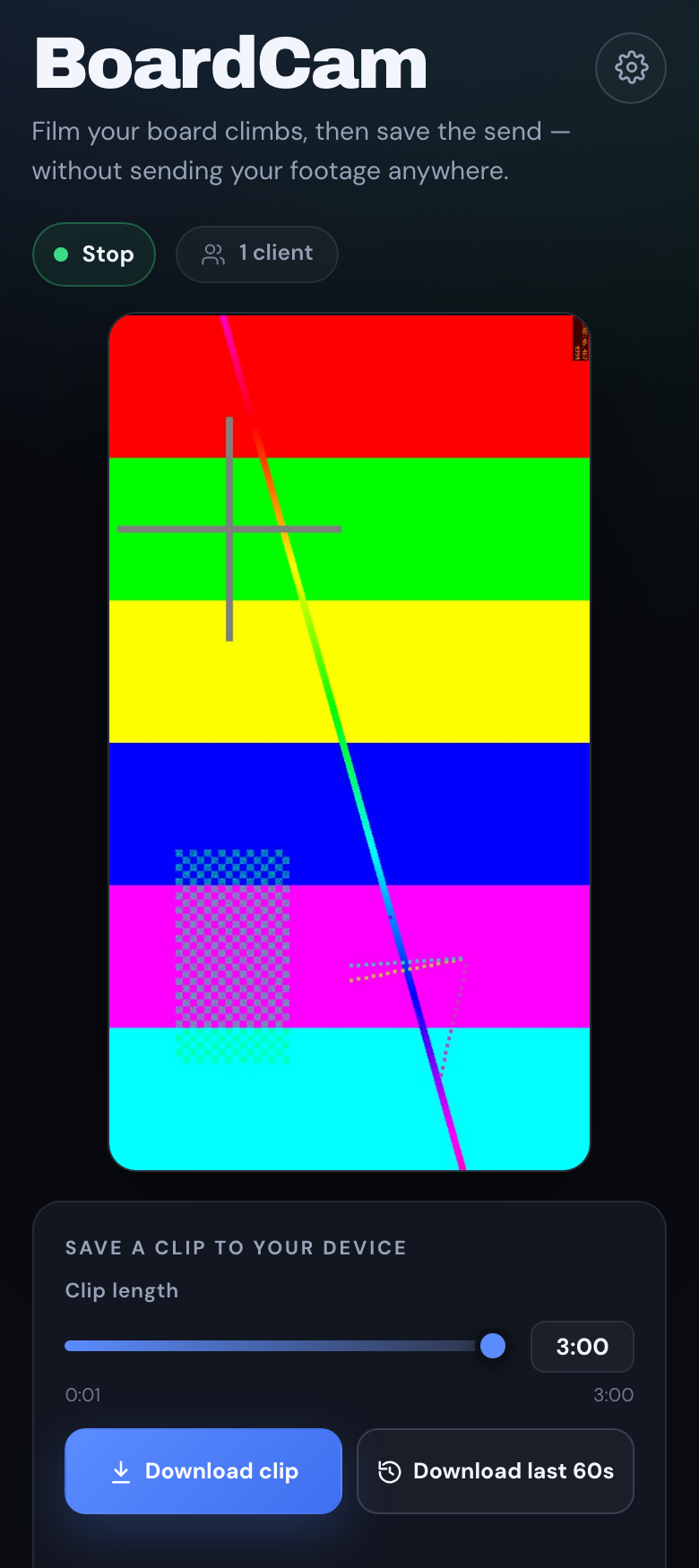
BoardCam running on a phone with the Start button, live preview and clip download controls

Privacy is the product

Your footage never leaves the building.

BoardCam runs entirely on the local network. There are no cloud uploads, no accounts to manage and no footage sitting on someone else's server.

Only the last three minutes are held on the device. Stop recording and the buffer is gone. What gets saved is chosen by the climber.

Local network only No subscription No cloud dependency
Camera USB or built-in
BoardCam Local recorder
Climbers Same Wi-Fi
Stays inside this circle

Small box. Useful tricks.

Seriously simple. Quietly capable.

Everything you need for session replays, without a control room full of equipment.

Private by default

Footage stays on the local machine and local network. No cloud account required.

Always rolling

Only the last three minutes are kept in the buffer. No giant files to manage.

One-tap clips

Save the last 60 seconds or choose any window up to three minutes.

Many climbers, one camera

Multiple people can watch and download from the same live buffer.

Gym watermark

Add a PNG logo to the corner of downloaded clips, scaled neatly to the video.

No app required

Everything works from the browser on any phone. There's an optional app that makes saving your send even easier.

Install it once

Set the camera and settings from a browser, then leave it to run.

Ready when the wall is

Give your walls a replay button.

Tell us about your gym or home board and we'll help you choose a camera and get BoardCam running on your network.